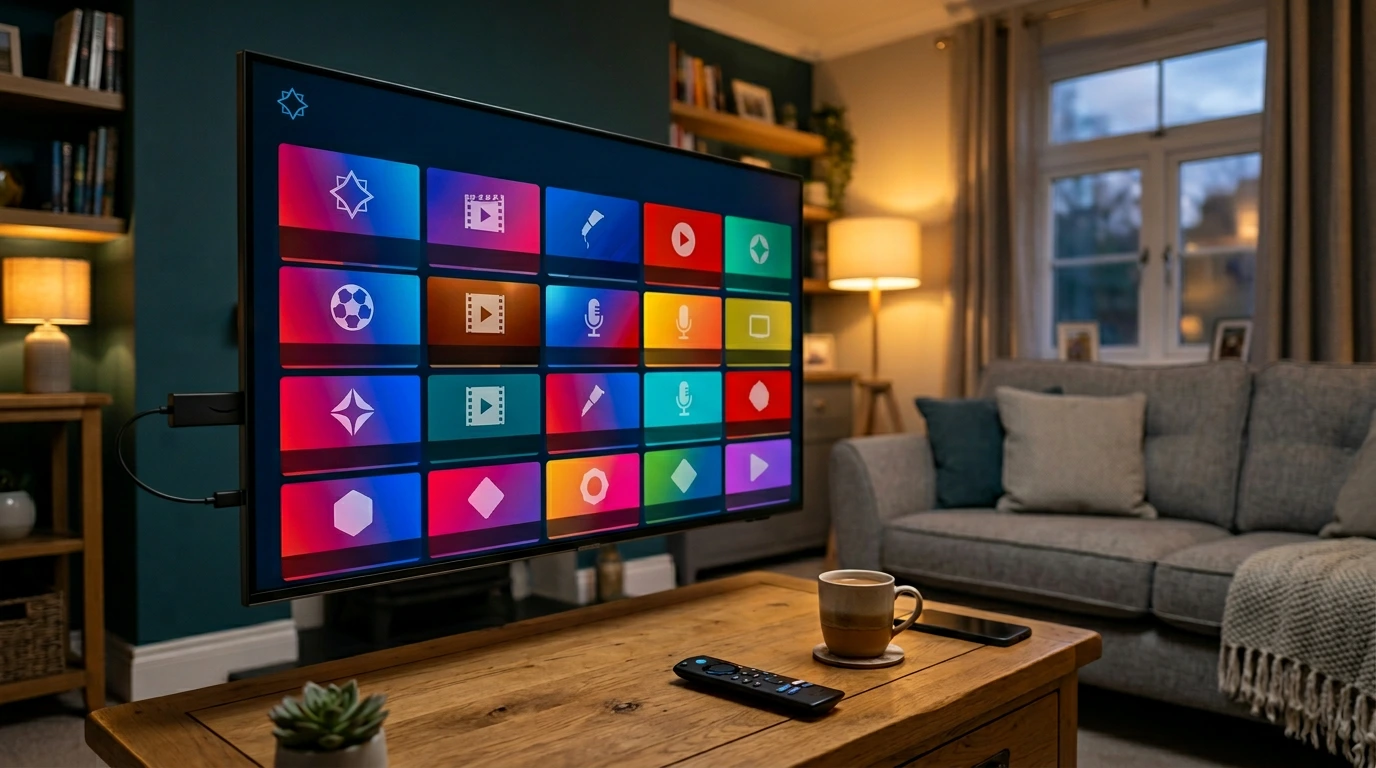
Having the right IPTV service is only half the equation. The app you use to access that service — the IPTV player — determines how you navigate channels, how smoothly streams load, how accurately your EPG displays match schedules, and ultimately how enjoyable your World Cup 2026 experience is across 104 matches and five weeks of football.
The good news is that several excellent IPTV apps UK viewers use have been refined significantly over recent years. The best ones offer outstanding EPG support, multi-stream management, smooth channel switching, and compatibility across the devices UK football fans actually use — Firestick, smart TVs, Android boxes, and phones.
This guide reviews the most widely used IPTV player apps for World Cup 2026 viewing in the UK, covering what each does well, where it falls short, and which devices it works best on. By the end, you will know exactly which app to set up before 11 June.
Why Your IPTV Player App Matters for World Cup 2026
Many first-time IPTV users focus entirely on choosing a service and overlook the player app. This is a mistake — particularly for a tournament with the complexity of World Cup 2026.
EPG Navigation Across Six Channels
With up to four simultaneous matches during the group stage across BBC One, BBC Two, ITV1, ITV2, ITV3, and ITV4, navigating between channels quickly is essential. A player app with a well-organised, real-time EPG turns this into a single button press. An app with a poor EPG turns it into a manual search through hundreds of channels.
England face Croatia on 17 June on ITV1. On the same day, other group stage matches will be running simultaneously on other channels. A good EPG lets you watch one match and switch instantly when another becomes interesting — without losing your place.
Multi-Stream and Picture-in-Picture
Some IPTV player apps support picture-in-picture or multi-stream viewing — allowing you to follow two matches simultaneously on a single screen. For a tournament with overlapping fixtures, this is a genuinely useful feature that goes beyond what iPlayer or ITVX can offer.
Catch-Up and Recording
The best apps support catch-up viewing and, in some cases, local recording. For UK viewers watching matches late at night or working around a busy schedule during a five-week tournament, the ability to save or catch up on matches adds real practical value.
Device Compatibility
Different apps perform better on different devices. An app that is outstanding on a Firestick may be average on an Android box or a smart TV. Knowing which app works best on your specific device before the tournament starts avoids last-minute compatibility surprises.
TiviMate – The Most Popular Choice for UK IPTV Users
TiviMate is consistently the most recommended IPTV player app among UK users and is the go-to choice for Firestick and Android device owners. Its combination of EPG quality, interface design, and multi-stream support makes it particularly well-suited for World Cup viewing.
What TiviMate Does Well
The EPG implementation in TiviMate is among the best of any IPTV player. It supports real-time updates, displays match schedules accurately in UK time, and allows quick navigation between channels. The interface is clean and responsive — switching between BBC One and ITV3 during simultaneous group stage matches takes seconds.
TiviMate supports multiple streams simultaneously — one of the few apps that allows you to watch two matches at the same time on compatible devices. For a World Cup with up to four concurrent fixtures, this is a significant practical advantage.
Catch-up support and local recording are available in the premium version. For UK viewers who cannot watch every match live — particularly the late-night North American timezone fixtures — this is a valuable feature across a five-week tournament.
Device Compatibility
TiviMate works on Firestick, Android boxes, and Android phones and tablets. It is not available on iOS devices or Samsung/LG smart TVs natively. If your primary viewing device is a Firestick or Android box, TiviMate is the strongest option available.
Pricing
TiviMate has a free version with limited features. The premium subscription — which unlocks multi-stream, recording, and advanced EPG features — costs a small annual fee. For World Cup 2026 viewing across 104 matches, the premium version is strongly recommended.
IPTV Smarters Pro – The Best Multi-Device Option
IPTV Smarters Pro is the most versatile IPTV player in terms of device compatibility, working reliably across Firestick, Android, iOS, smart TVs, and web browsers. For households with multiple different devices, it is often the most practical choice.
What IPTV Smarters Pro Does Well
The multi-device compatibility of IPTV Smarters Pro is its defining strength. A single app works consistently across your Firestick in the living room, your iPhone on the commute, and your smart TV in the bedroom — all with the same interface and EPG. For a household following the World Cup across multiple screens and devices, this consistency has real practical value.
EPG support is solid — reliable for standard channel navigation, accurate for UK sports schedules, and straightforward to configure with most IPTV services. Channel switching is smooth and stream loading is fast on modern hardware.
Limitations to Be Aware Of
IPTV Smarters Pro does not support multi-stream or picture-in-picture viewing — a meaningful limitation compared to TiviMate during overlapping fixtures. Recording is also not supported. For viewers who prioritise multi-stream capability for simultaneous match viewing, TiviMate is the stronger choice.
Device Compatibility
Available on Firestick, Android, iOS, Samsung Smart TV, LG Smart TV, and web browser. The broadest device compatibility of any major IPTV player app.
If you are still deciding on an IPTV service to use with these apps, Golden TV is one that UK football fans regularly recommend for its compatibility with TiviMate and IPTV Smarters, and specifically for its live sports stream quality. Contact them on WhatsApp to ask about plans:
*We do not sell or operate IPTV services directly. Recommendation based on UK user feedback.
GSE Smart IPTV – Strong Choice for iOS and Mac Users
GSE Smart IPTV is the go-to recommendation for UK viewers on iPhone, iPad, and Mac — devices that TiviMate does not support. It is a mature, well-maintained app with solid EPG support and reliable stream performance.
What GSE Smart IPTV Does Well
GSE Smart IPTV handles M3U playlists and Xtream Codes connections reliably, making it compatible with virtually all UK IPTV services. The EPG is functional and accurate for sports schedules. Stream loading is fast and channel switching is responsive on current iOS hardware.
For iOS users who want to follow the World Cup on an iPhone or iPad — particularly useful for late-night matches when watching in bed or away from the main TV — GSE Smart IPTV is the most reliable option available on Apple devices.
Limitations
The interface is less polished than TiviMate and the multi-stream features are more limited. For primary World Cup viewing on a large screen, most UK users prefer TiviMate or IPTV Smarters on a TV-connected device, with GSE Smart IPTV reserved for mobile viewing.
Device Compatibility
Available on iOS (iPhone and iPad), macOS, Android, and Android TV. The strongest iOS IPTV player available.
Kodi – Powerful but Requires Setup
Kodi is a free, open-source media player that supports IPTV through add-ons, most commonly the PVR IPTV Simple Client. It is powerful, highly customisable, and widely used — but requires significantly more setup than TiviMate or IPTV Smarters.
What Kodi Does Well
Kodi’s flexibility is unmatched. With the right add-ons and configuration, it supports live TV, EPG, recording, catch-up, and virtually any IPTV service. For technically inclined viewers who want maximum customisation, Kodi offers capabilities that dedicated IPTV player apps cannot match.
Kodi is completely free and runs on a wide range of devices including Firestick, Android, Windows, macOS, Linux, and Raspberry Pi.
The Setup Requirement
The significant caveat is setup complexity. Configuring Kodi for IPTV — installing PVR IPTV Simple Client, adding an M3U URL, configuring EPG — requires more steps than simply downloading TiviMate and entering credentials. For viewers new to IPTV, this setup investment may not be worth it compared to a more streamlined alternative.
If you are already a Kodi user and comfortable with its configuration, it is an excellent World Cup platform. If you are new to IPTV, start with TiviMate or IPTV Smarters instead.
Which IPTV App to Use on Your Device for World Cup 2026
The right app depends primarily on your streaming device. Here is a quick reference by device type.
Amazon Firestick
TiviMate is the first choice — outstanding EPG, multi-stream support, and optimised for Firestick hardware. IPTV Smarters Pro is the strong second option if you need iOS compatibility on a secondary device. Kodi is viable for experienced users.
Android TV Box
TiviMate is again the leading choice, particularly for its multi-stream and recording features. Android boxes typically have more processing power than Firesticks, allowing TiviMate to perform at its best with multiple simultaneous streams during overlapping World Cup fixtures.
Samsung or LG Smart TV
IPTV Smarters Pro supports Samsung and LG TVs natively and is the most straightforward option. Some viewers sideload TiviMate on Android-based smart TVs, but IPTV Smarters Pro is the more reliable and widely supported choice for dedicated smart TV use.
iPhone or iPad
GSE Smart IPTV is the strongest iOS option. IPTV Smarters Pro also has an iOS version that works reliably. TiviMate is not available on iOS.
Laptop or PC
IPTV Smarters Pro has a web browser version. Kodi has Windows and macOS versions. For laptop viewing during World Cup matches — particularly useful for late-night fixtures — either option works well on current hardware.
Frequently Asked Questions
What is the best IPTV app for Firestick for World Cup 2026?
TiviMate is the most widely recommended IPTV player for Firestick among UK users. Its EPG quality, multi-stream support, and smooth channel switching make it particularly well-suited for World Cup viewing. The premium version, which includes recording and advanced features, is worth the small annual cost for a five-week tournament.
Do I need a paid IPTV app for World Cup 2026?
The free versions of most IPTV apps are functional for basic viewing. However, for World Cup 2026 — where EPG navigation across six channels, multi-stream capability, and catch-up features add significant value — upgrading to a premium app is a modest investment relative to the viewing experience it delivers across 104 matches.
Can I use the same IPTV app on multiple devices?
Most IPTV apps support installation on multiple devices with a single account. TiviMate’s premium subscription covers a set number of devices. IPTV Smarters Pro and GSE Smart IPTV can generally be installed freely on multiple devices. Check the specific terms for the app version you are using.
Will my IPTV app work without a Firestick?
Yes. TiviMate works on Android devices and Android boxes. IPTV Smarters Pro works on virtually every platform including iOS and smart TVs. GSE Smart IPTV is the strongest iOS option. The right app for your device is covered in the device-by-device section above.
How do I set up an IPTV app for World Cup 2026?
Download your chosen app from the relevant app store. Enter the M3U URL or Xtream Codes credentials provided by your IPTV service. Configure the EPG source — your provider will supply an EPG URL. Allow the channel list and guide to load. Test each of the six UK World Cup channels before June 11 to confirm everything is working correctly.
Final Thoughts
Choosing the right IPTV apps UK player for World Cup 2026 is a decision that affects every hour of your viewing across five weeks and 104 matches. For most UK Firestick users, TiviMate is the outstanding choice. For multi-device households, IPTV Smarters Pro offers the broadest compatibility. For iOS users, GSE Smart IPTV is the go-to option.
Set up your app before June 11. Test EPG accuracy, channel switching, and stream quality on all six UK World Cup channels. If you are using the free version of an app, consider whether the premium features — particularly multi-stream for overlapping fixtures — are worth upgrading for the tournament.
The best World Cup viewing experience is one where the technology is invisible — where you never think about the app because it just works, every time, for every match.
Got the App — Now Get the Service: Golden TV
Once your IPTV player app is set up, the quality of your World Cup 2026 experience comes down to the service behind it. Among the options consistently recommended by UK football fans for reliable live sports performance, Golden TV stands out. It pairs well with all the apps reviewed in this article and delivers the stable, high-quality streams that a five-week tournament demands. To find out about plans and get started, contact them on WhatsApp:
*Recommended based on positive feedback from UK IPTV users. We do not operate or sell IPTV services directly.
Disclosure: This site recommends third-party services based on user feedback and research. We do not operate, sell, or provide IPTV services directly. All trademarks belong to their respective owners.